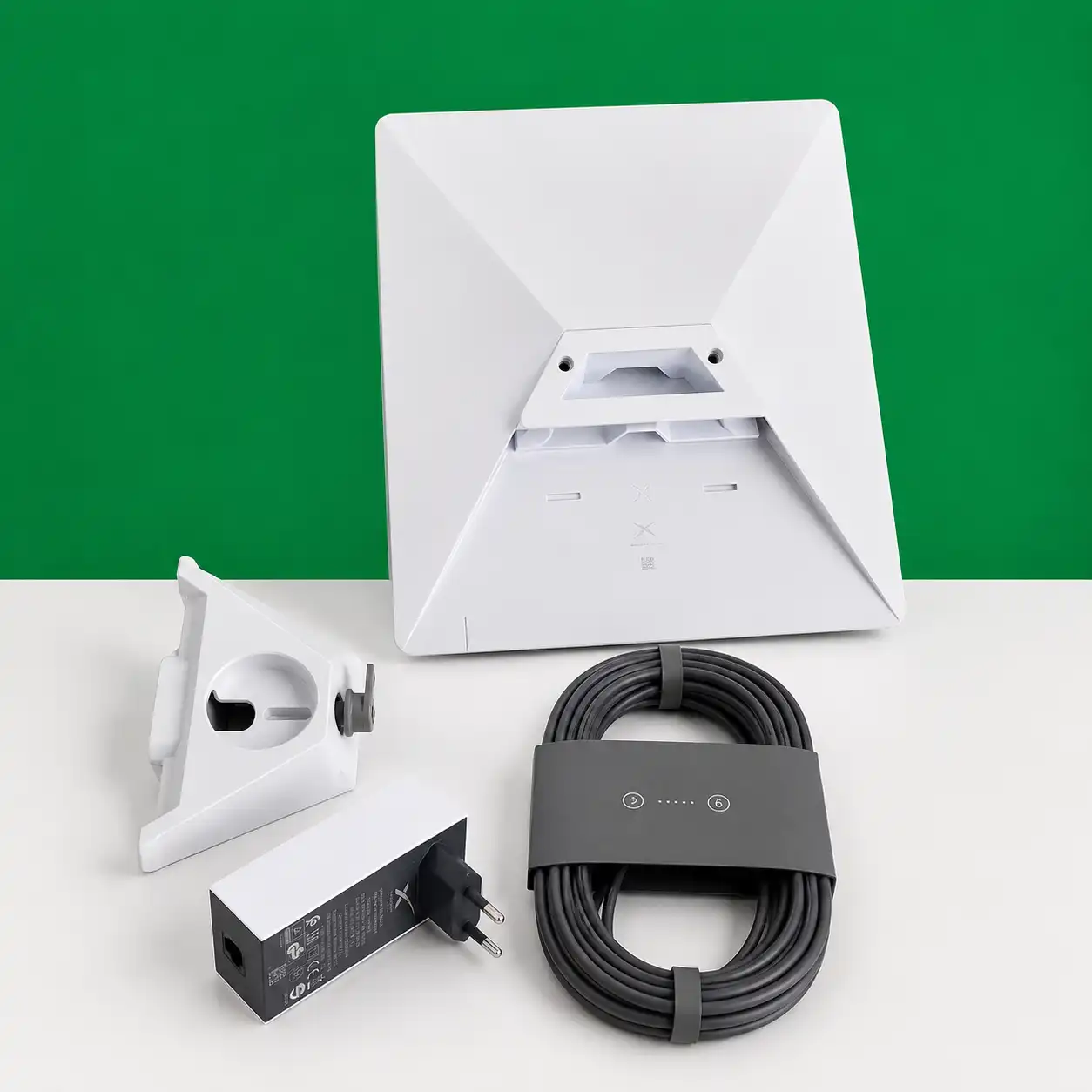
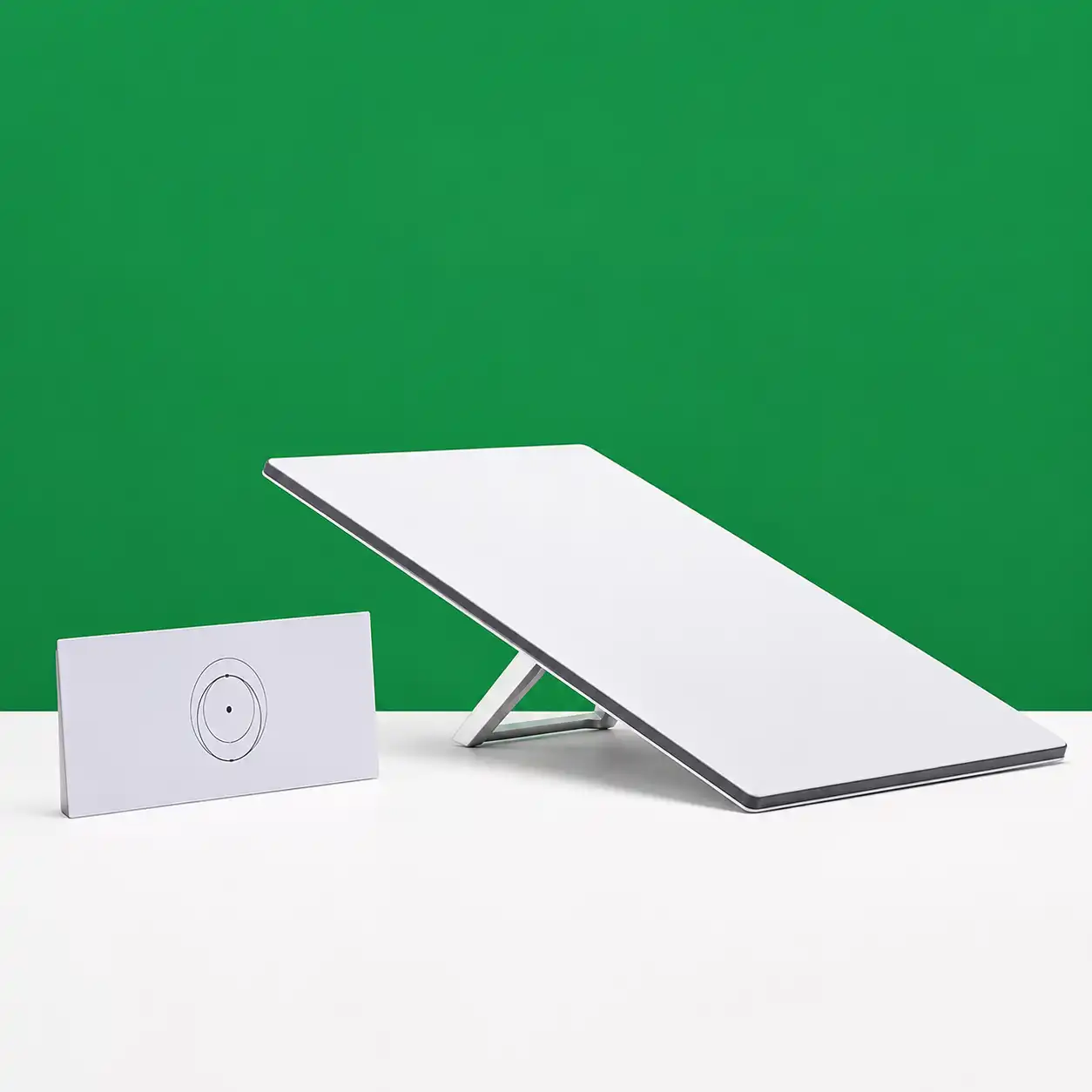
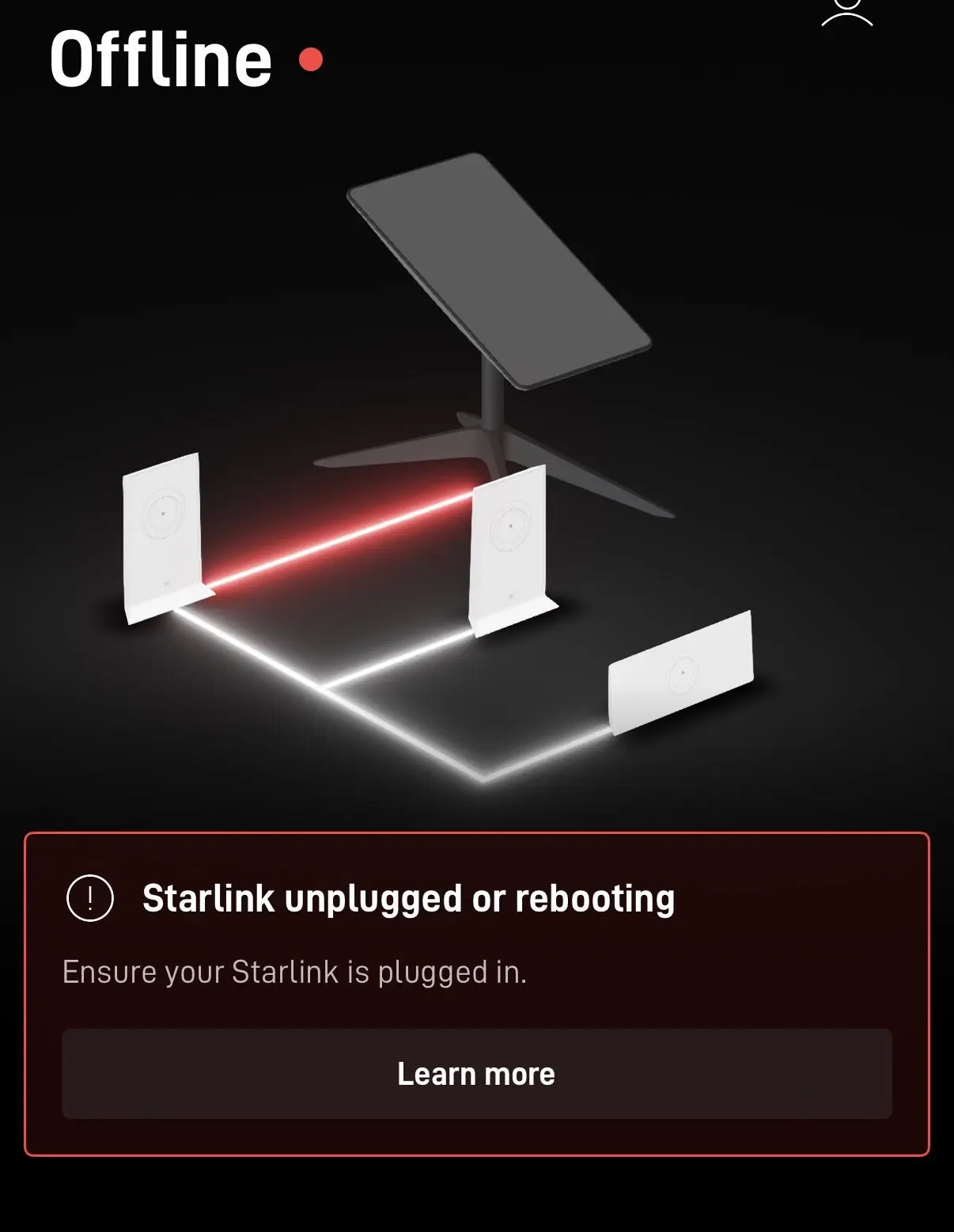
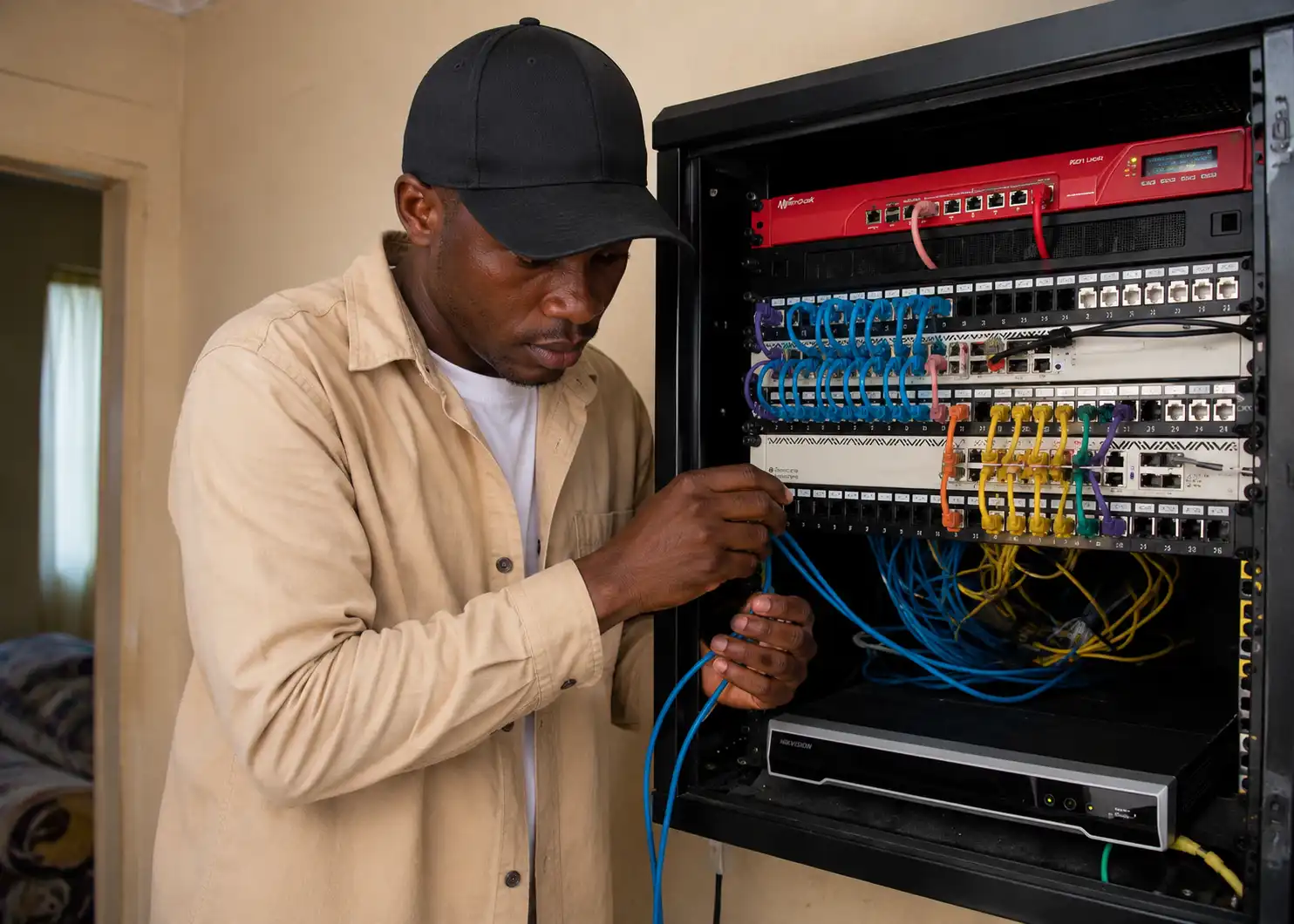


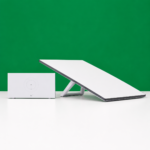

A WiFi router is a networking device that connects your home, office or business to the internet and shares that connection wirelessly with multiple devices. It creates a local wireless network [WLAN] that allows smartphones, laptops, smart TVs, printers, IP cameras and other WiFi-enabled devices to access the internet without using cables.
Think of a WiFi router as the traffic controller of your internet connection. It receives internet from your Internet Service Provider [ISP] through a modem, fiber ONT or mobile network, then distributes that connection to all your devices while managing data traffic between them.
A WiFi router performs several important functions:
Modern routers usually support both 2.4 GHz and 5 GHz frequency bands, while newer WiFi 6 and WiFi 7 routers also improve speed, efficiency and support for many connected devices.
A WiFi router is commonly used for:
Several types of WiFi routers are available, including:
Each type is designed for different coverage requirements, internet speeds and the number of connected users.
Using a WiFi router offers several benefits:
Many people confuse a WiFi router with a modem, but they serve different purposes.
Some modern devices combine both a modem and a router into a single unit.
When buying a WiFi router, consider:
No. A WiFi router does not create internet. It shares an existing internet connection from a modem, fiber ONT or mobile gateway.
Yes, but only for creating a local network between devices. You need a modem, ONT or another internet source to access the internet.
It depends on the router model. Basic home routers typically support 20 to 50 devices, while business-grade routers can handle hundreds of simultaneous connections.
Small homes often need only one router. Larger homes or multi-story buildings may require additional access points or a mesh WiFi system for full coverage.